Industries / Construction
Construction equipment maintenance software
Keep the excavators moving and the breakdowns short.
Solmex services excavators, loaders, rollers and trucks by their hour meters, gets a breakdown on site to a mechanic quickly, and shows what each machine costs in fuel and parts.
Try the Business plan free for 14 days. No card needed.
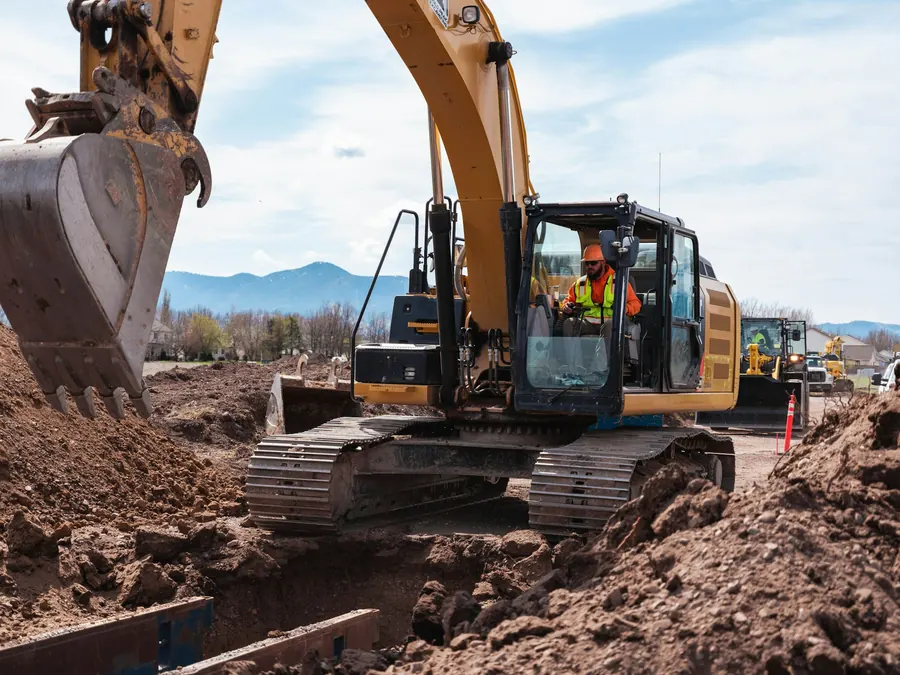
What is at stake
A machine standing on site holds up the whole programme.
More downtime at the plants that rely most on reactive repair than at those that rely on it least
Source: NIST, Economics of Manufacturing Machinery Maintenance (2020)Saved by preventive maintenance compared with running equipment until it fails
Source: US Department of Energy, O&M Best Practices GuideA year: what Siemens estimates unplanned downtime costs the world's 500 largest companies, 11% of their revenue
Source: Siemens, The True Cost of Downtime 2024Sound familiar?
Plant spread across sites is easy to lose track of.
A breakdown stops the earthworks
An excavator loses a hydraulic line at 07:30. Trucks queue, the crew waits, and the mechanic is on another site without the right part.
Services slip because hours go unrecorded
Hour meters are read when someone remembers. The 500 hour service comes and goes, and the first sign is a failed engine or a warranty claim refused.
Nobody knows what each machine costs
Fuel, parts and repairs are booked to the project, not the machine. Deciding whether to repair, replace or hire is a guess.
How Solmex fixes it
One register for every machine, on every project.
Service every machine by its hour meter
Set the manufacturer's service plan once for excavators, loaders, graders, rollers and trucks. Operators enter hour and kilometre readings from a phone, and Solmex shows what is due on each site.
- Plans by hours, kilometres or date
- A late service never shifts the plan
- Due work filtered by site
Get a broken machine back to work
The operator reports the fault from the QR code on the machine, with a photo. The workshop sees which site the machine is on and what failed, and downtime runs from the moment it was reported.
- Report a fault from the cab
- Downtime counted from the report
- Parts checked before the mechanic leaves
See the true cost of each machine
Fuel logged at the bowser and parts issued from stores post to the machine that used them. You see cost per machine and per project, and fuel use that looks wrong is flagged.
- Fuel and parts costed to each machine
- Unusual fuel use flagged
- Cost by machine and by project
Your numbers
What is unplanned downtime costing you?
Move the sliders to match your operation. The starting values are typical for the sector, not a promise.
An estimate from your own inputs. The 30% is set below published results on purpose: NIST found 44% less downtime at plants that invested more in preventive and predictive maintenance.
No risk to try
Start small. Keep your data. Leave any time.
Free to start, free to stay
Every account gets 14 days of the Business plan. After that, one user and up to 25 assets stay free with no time limit.
Anyone can report a problem
Operators, cleaners and tenants report faults by scanning a QR code. People who only report are free on every plan.
Your data stays yours
Export every record to Excel whenever you like, or take a full export of the whole account. Nothing is locked in.
Private and controlled
Your company's records are kept apart from every other customer's, every change is logged, and you decide who can see and do what.
Questions
Frequently asked questions
Can we plan servicing on hour meters and kilometres?
Our machines move between projects. Does the history move too?
Do operators need an account to report a fault?
Can we track rented and subcontractor machines too?






Bring your plant list and start on one site this week.
Try the Business plan free for 14 days, with no card. After that, one user and up to 25 assets stay free for as long as you like.